Third party cookies
For website owners, Clicky uses third party cookies (attached to our tracking domain) for two purposes:
- To automatically ignore your own visits to your own websites. (You can also do this manually if needed).
- To authorize the on-site analytics widget.
These cookies are set in the background every time you visit your
user homepage. Since they are set at the same time on the same page, it's very likely that if one is not working, the other isn't either.
Cookies not working?
- Visit your user homepage to reset the cookies (they may have expired).
- Disable your ad-blocker - Most ad-blockers also block trackers like Clicky. If you only want to prevent yourself from being tracked, then that should already be happening. However, the on-site analytics widget as well as heatmaps require our tracking code to load and execute in your browser. So if you want either of those features, you need to white list your own sites in your ad-blocker.
- Is your site HTTPS? Modern browsers require the SameSite=none flag for all third party cookies, which additionally requires the "Secure" flag to be set. "Secure" cookies can only be set on websites running https://. Most websites are secure these days, but if yours is not, then third party cookies likely can't be set by our tracking servers.
- Web browser settings
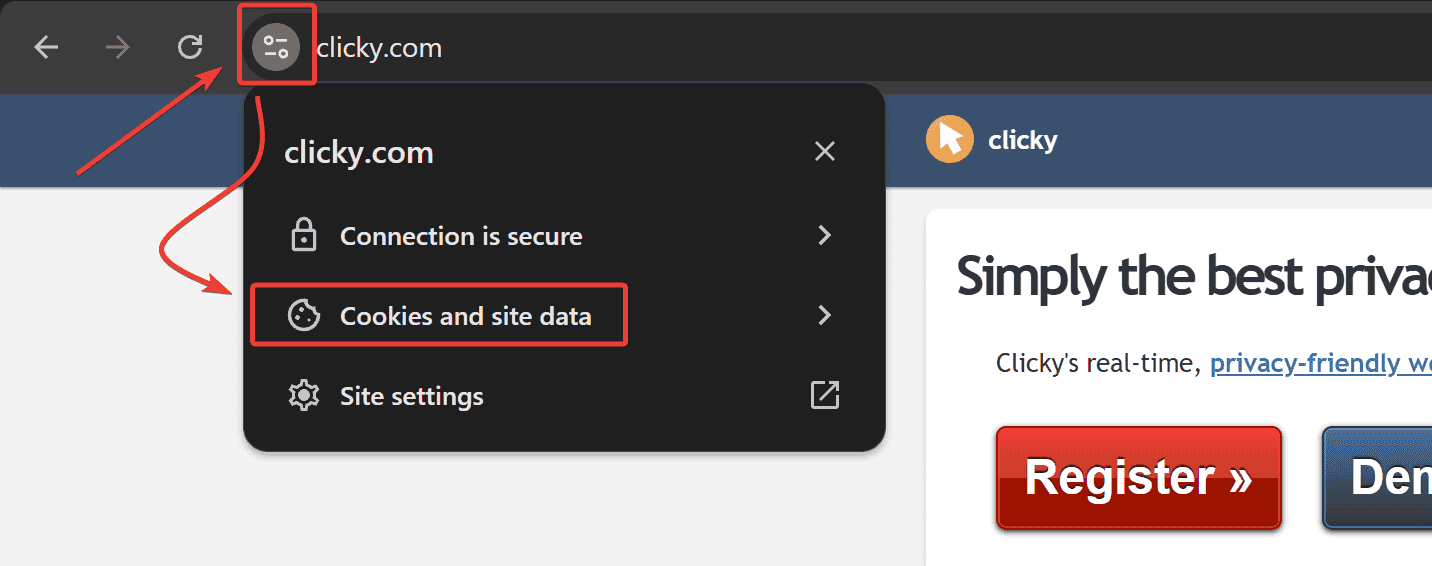
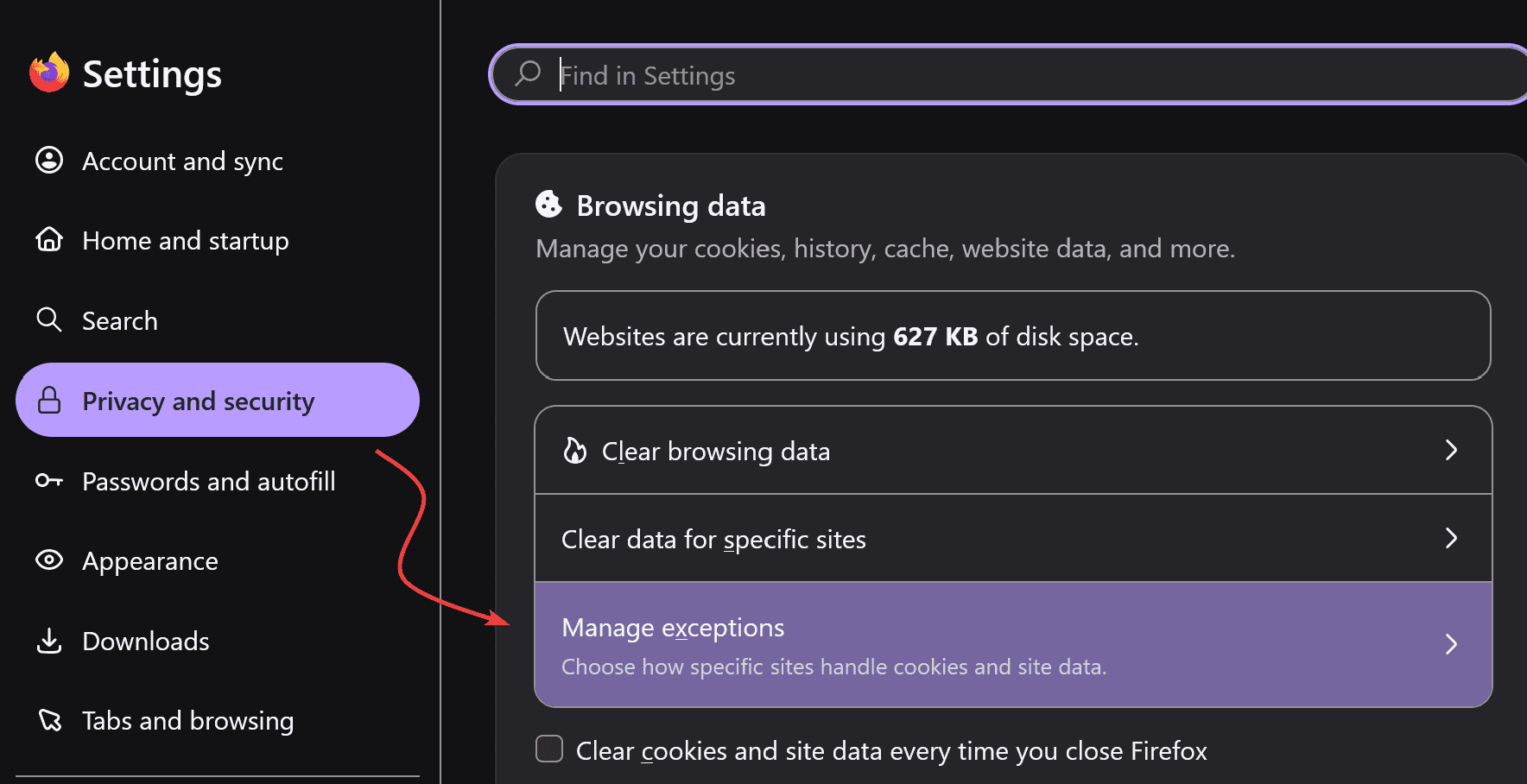
- TRACKING PROTECTION - If your browser has a tracking protection feature, it must be disabled on clicky.com as well as all of your websites that have Clicky installed. With the default settings, you will still be tracked because only cookies get blocked but the tracking code will still load and execute. You must disable it on clicky.com to allow the cookie to be set, and disable it on your sites to allow the cookie to be sent to our tracking servers.
- THIRD PARTY COOKIES - Your browser should also have a traditional setting for third party cookies. You either must have third party cookies enabled globally (not recommended), or have "clicky.com", and all of your websites, whitelisted.
Still not working?
You can still manually block your visits with an
IP or UID filter. There is no workaround for the widget, however.
Want to disable these features?
The on-site analytics widget can be
turned off, but the auto-ignore feature cannot be disabled. If you need to test something, use your browser's private/incognito mode to disable existing cookies. This will allow you to be tracked.
📢 Want clearer, faster web analytics?
Sign up for Clicky today and see your data differently
 0 online
0 visitors
0 actions
0 online
0 visitors
0 actions