Webflow Web Analytics Plugin
⬅️ Back to all plugins
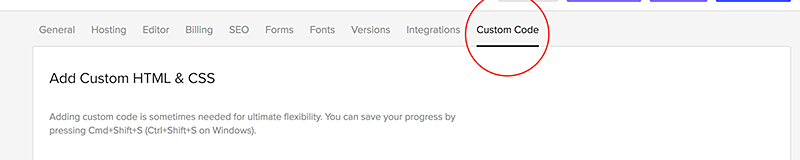
Go to Project Settings for the site you’re working on, then click the Custom Code tab and paste your
tracking code into the "Head code" section. Click the save button in the top right corner, and you're done!
The screenshot below is taken from
Webflow's support site. The article is written for
Google Tag Manager but the same basic logic applies to the code from any third party service.
Looking for a fresh web analytics experience?
📢 Register for Clicky now and use the plugin/instructions on this page to track your website!